
Image to Video AI Introduction
Image to Video AI, a free online AI video generator, lets creators, marketers and storytellers turn any JPG, PNG or WEBP image into HD, watermark‑free video clips by adding a text prompt, delivering cinematic motion in seconds without sign‑up.

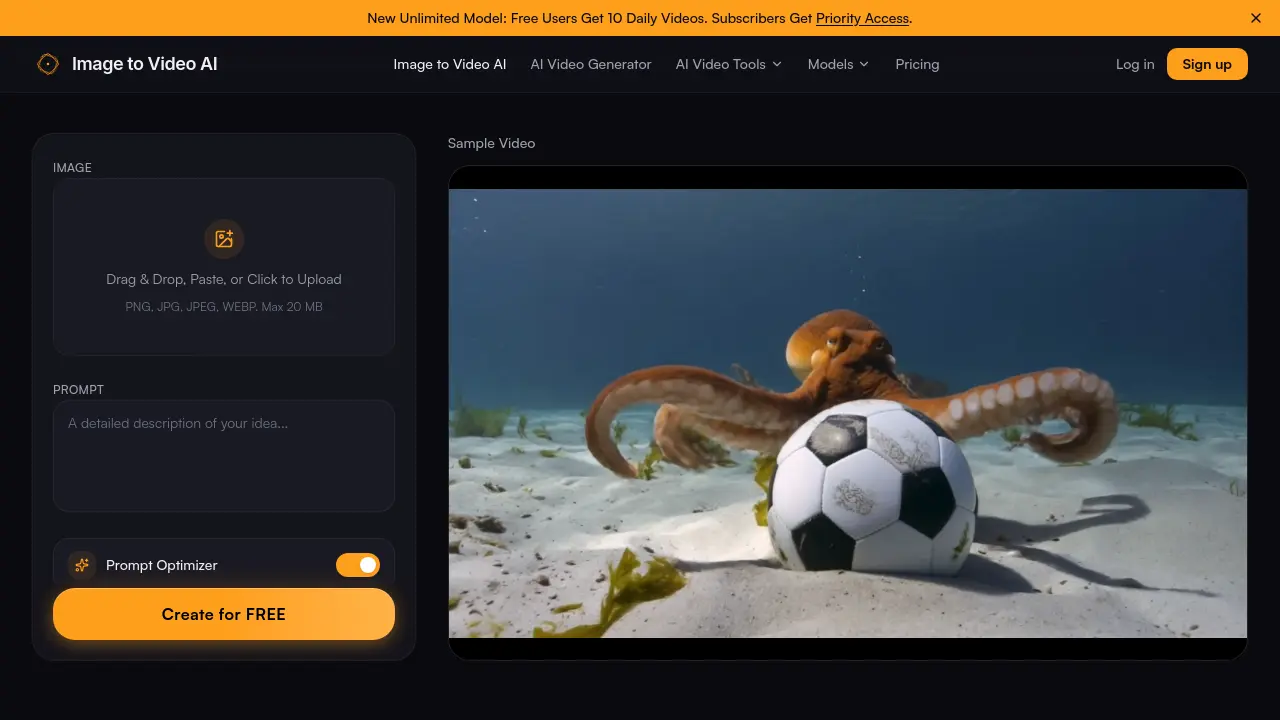
What is Image to Video AI
Image to Video AI is a web‑based generator that converts a single uploaded photo into a short HD video using an AI‑driven motion engine. Users drag‑and‑drop PNG, JPG or WEBP files (up to 20 MB), add a natural‑language prompt describing the desired movement, and receive a 4‑ to 6‑second clip in seconds. The platform supports multiple motion styles—cinematic pans, physics‑based simulations, and stylized animations—while maintaining up to 1080p resolution without watermarks on the free tier. A priority‑access subscription removes the watermark, lifts daily limits, and provides faster processing for batch projects. Designed for content creators, marketers, educators and hobbyists, the tool streamlines the workflow from static image to shareable video for social media, product demos, and storytelling.
How does Image to Video AI work
The Image to Video AI platform processes a user‑uploaded raster file (PNG, JPG, or WEBP, up to 20 MB) through a diffusion‑based video model that combines visual data with a textual prompt. After the image is parsed, the prompt‑optimizer extracts motion directives, which the engine translates into frame‑by‑frame transformations such as zoom, pan, or fluid simulations. The resulting sequence is rendered at up to 1080p, encoded as an HD video without watermarks, and delivered for download within seconds. Free accounts receive ten daily generations, while subscribers obtain priority access to higher‑capacity models.
Benefits of Image to Video AI
Image to Video AI lets users convert JPG, PNG, or WEBP files into cinematic‑quality video clips in seconds. By combining an uploaded image with a text prompt, the engine generates smooth, context‑aware motion such as slow zooms, wind effects, or water ripples, producing HD output up to 1080p without watermarks on the free tier. The drag‑and‑drop interface requires no editing skills, and the optimized pipeline delivers results in a few seconds, supporting rapid batch production for social media, marketing, or educational content. Free users receive ten daily videos, while subscribers gain priority access and higher‑resolution options.
Pros and Cons of Image to Video AI
Pros
- Free tier offers 10 videos daily.
- No watermarks on paid outputs.
- Generates HD (up to 1080p) video.
- Supports JPEG, PNG, WEBP up to 20 MB.
- Quick processing – seconds per clip.
Cons
- Free version includes a small watermark.
- Limited to 4–6 second video duration.
- Advanced motion styles require subscription.
- No native mobile app disclosed.
- Customer support details are sparse.
