
Image to Video AI Core Features
Image to Video AI, a free online AI video generator, lets creators, marketers and storytellers turn any JPG, PNG or WEBP image into HD, watermark‑free video clips by adding a text prompt, delivering cinematic motion in seconds without sign‑up.

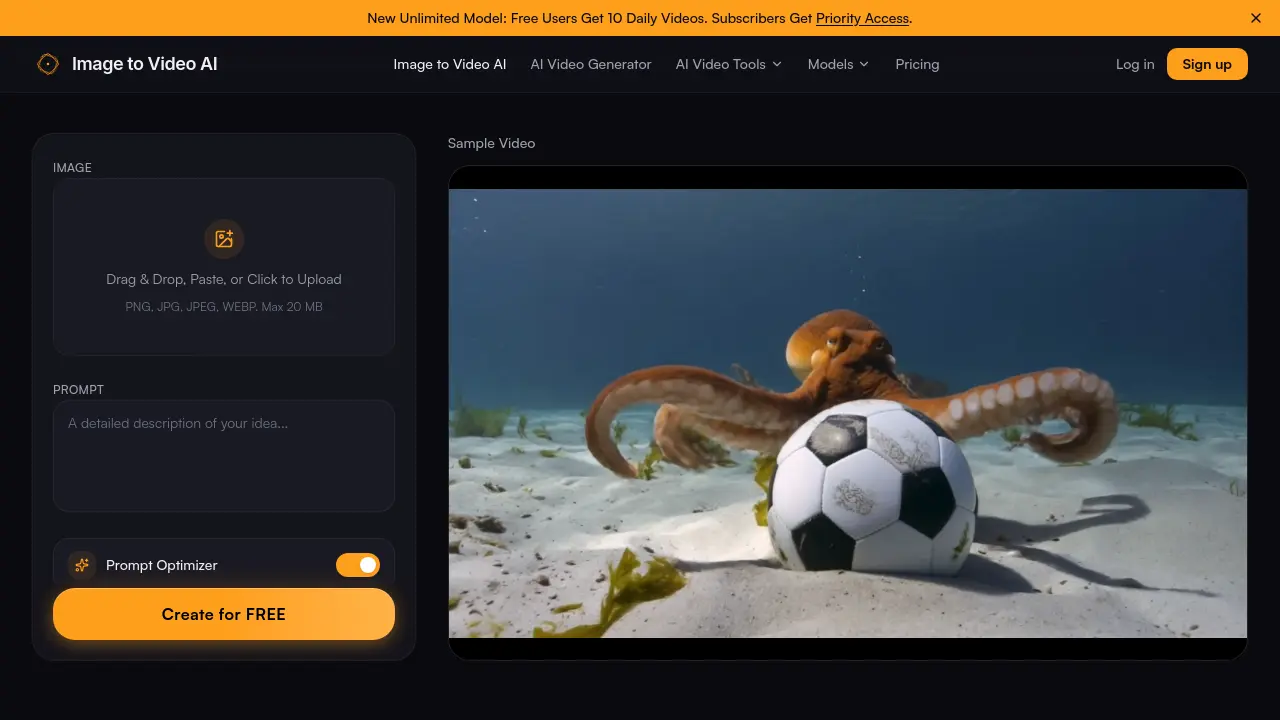
Core Features of Image to Video AI
Image Upload & Formatting
Accepts JPG, PNG, or WEBP files up to 20 MB, providing an intuitive drag‑and‑drop interface that automatically crops and frames images to the desired aspect ratio.
Prompt‑Driven Motion Control
Combines the uploaded image with a user‑written text prompt, allowing precise specification of camera moves, environmental effects, and animation styles for contextual video creation.
High‑Resolution HD Output (No Watermark)
Generates videos up to 1080p resolution without embedded logos, delivering crisp, professional‑grade clips suitable for YouTube, TikTok, Instagram, or website embedding.
Lightning‑Fast AI Processing
Processes image‑to‑video conversions in seconds, enabling rapid batch generation for marketers and creators who need high‑volume content with minimal waiting time.
Versatile Motion Style Library
Offers a wide range of AI‑powered motion presets—from cinematic pans and realistic physics simulations to stylized animations—giving users creative flexibility across social, marketing, and storytelling projects.
Use Cases of Image to Video AI
- Content creators: Generate short, HD clips from photos for TikTok or Instagram using AI motion prompts.
- Real estate agents: Transform property listing images into cinematic walkthrough videos to increase viewer engagement.
- E‑commerce managers: Animate product photos into dynamic video ads, boosting conversion rates without editing software.
- Educators: Convert textbook illustrations into animated explanations for online courses, enhancing student comprehension.
- Marketing teams: Produce batch video ads from static campaign assets quickly, meeting tight content calendars.
