
ExportTok FAQs
This tool extracts TikTok video comments to CSV or Excel for analysis, helping marketers and creators save time on feedback review and campaign reports, with anonymous browsing.

FAQs of ExportTok
What is ExportTok?
ExportTok is a TikTok comment exporter tool designed to extract comments from TikTok videos and convert them into CSV or Excel formats. This allows users to analyze audience engagement, conduct sentiment analysis, and manage community interactions more efficiently.
How do I use the ExportTok TikTok Comment Exporter?
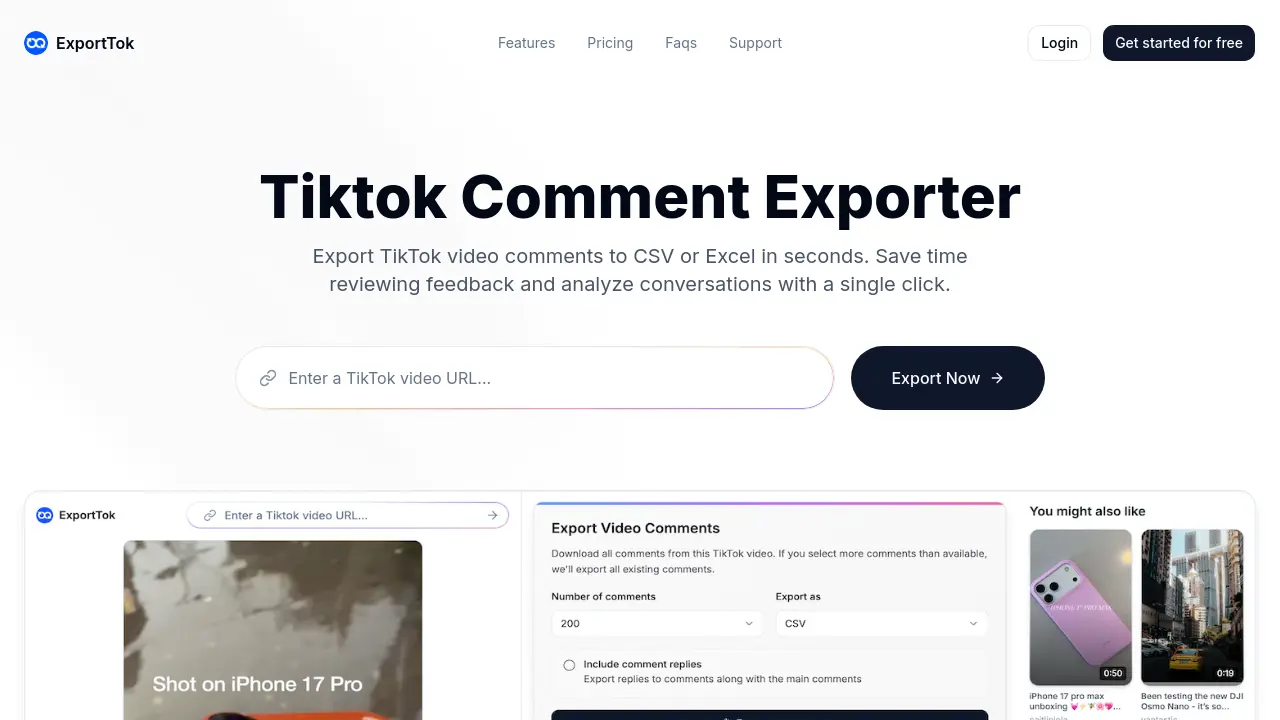
To utilize ExportTok, simply copy the TikTok video URL from your browser or mobile app, paste it into the provided search box on the ExportTok website, and then click the export button. The tool will then instantly download all comments in your chosen format.
What data is included when I export TikTok comments using ExportTok?
When you export TikTok comments with ExportTok, the data typically includes the comment text, comment ID, user ID, username, user's nickname, the timestamp of the comment, the number of likes, the reply count, pinned status, and user profile links. This comprehensive data facilitates detailed analysis.
What file formats are supported for downloading exported comments?
ExportTok supports two primary file formats for downloading comments: CSV and Excel (.xlsx). These formats are widely compatible with various data analysis tools, including Microsoft Excel, Google Sheets, and specialized statistical software, making data processing convenient for users.
Can ExportTok be used to export comments from multiple TikTok videos simultaneously?
Yes, ExportTok offers the capability to perform batch exports from multiple TikTok videos concurrently. This feature is particularly beneficial for users managing large-scale projects or conducting extensive research, as it significantly reduces the time and effort required compared to individual exports.
Does ExportTok require a TikTok account login to export comments?
No, ExportTok does not require users to log in with a TikTok account to export comments. This feature allows for anonymous browsing and comment extraction, ensuring user privacy and eliminating any risk of account bans or restrictions associated with data extraction activities.
Why might the exported comment count differ from TikTok's displayed count?
Discrepancies between the exported comment count and TikTok's displayed count can occur because TikTok's displayed count is not real-time. Factors such as recently deleted or added comments, as well as server delays, can lead to variations between the immediately visible count and the actual number of comments available for export.
How to use ExportTok
ExportTok functions as a TikTok comment exporter, enabling users to extract video comments into CSV or Excel files. This tool streamlines the process of analyzing audience engagement, content strategy, and managing community feedback by providing comprehensive data for research and reporting.
- Initiate by locating the desired TikTok video; copy its URL from your browser or mobile application.
- Access the ExportTok platform and paste the copied TikTok video URL into the designated search box.
- Click the "Export Comments" button to commence the data extraction process.
- The system will then process the request and provide the comments for download.
- Download the exported TikTok comments file, available in either CSV or Excel format.
- Analyze the downloaded data, which includes comment text, user information, and timestamps, to inform content strategy or market research.
- Utilize the extracted information for various applications such as content strategy analysis, marketing campaign reporting, or contest winner selection.
- Benefit from anonymous browsing, ensuring privacy while researching TikTok comments without requiring a TikTok login.
- Leverage the comprehensive data, including user IDs and reply counts, for in-depth sentiment analysis and data studies.
- For increased export limits, consider upgrading your plan through the account dashboard to access premium features.
