
Buglab FAQs
Detect UI/UX issues in websites, platforms, and web apps effortlessly with Buglab AI. Accelerate development and ensure client-facing software quality. Try it now!

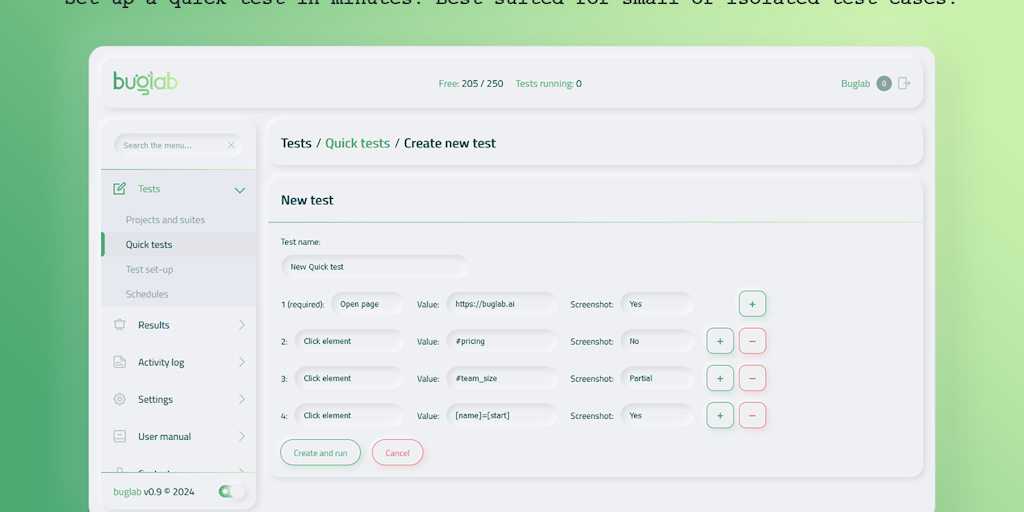
FAQs of Buglab
What is Buglab?
Buglab is a no-code visual testing platform that helps you automate the process of finding UI/UX issues in websites, platforms, and web apps. It's like a spell checker for your UI!
How does Buglab work?
You can easily integrate Buglab with your development workflow. Simply add a few lines of code to your website or app, and Buglab will automatically start testing for visual issues. You can then see the results in a clear and easy-to-understand dashboard.
What are the benefits of using Buglab?
Buglab can help you:
- Catch bugs early in the development process.
- Save time and money by automating the testing process.
- Improve the quality of your software.
- Ensure that your users have a positive experience.
Who is Buglab for?
Buglab is ideal for anyone who wants to improve the quality of their web applications, whether you're a solo developer, a small team, or a large enterprise.
How does Buglab compare to other visual testing tools?
Buglab is different from other visual testing tools because it's completely no-code. This means that you don't need any programming experience to use it. Buglab is also very easy to set up and use, and it integrates seamlessly with your existing development workflow.
Can I try Buglab for free?
Yes! You can sign up for a free trial of Buglab to see how it works.
