
Analook FAQs
Analook uses AI to analyze any competitor's growth strategy, SEO, social media, traffic, and market positioning using 15+ real data sources for comprehensive competitive intelligence.

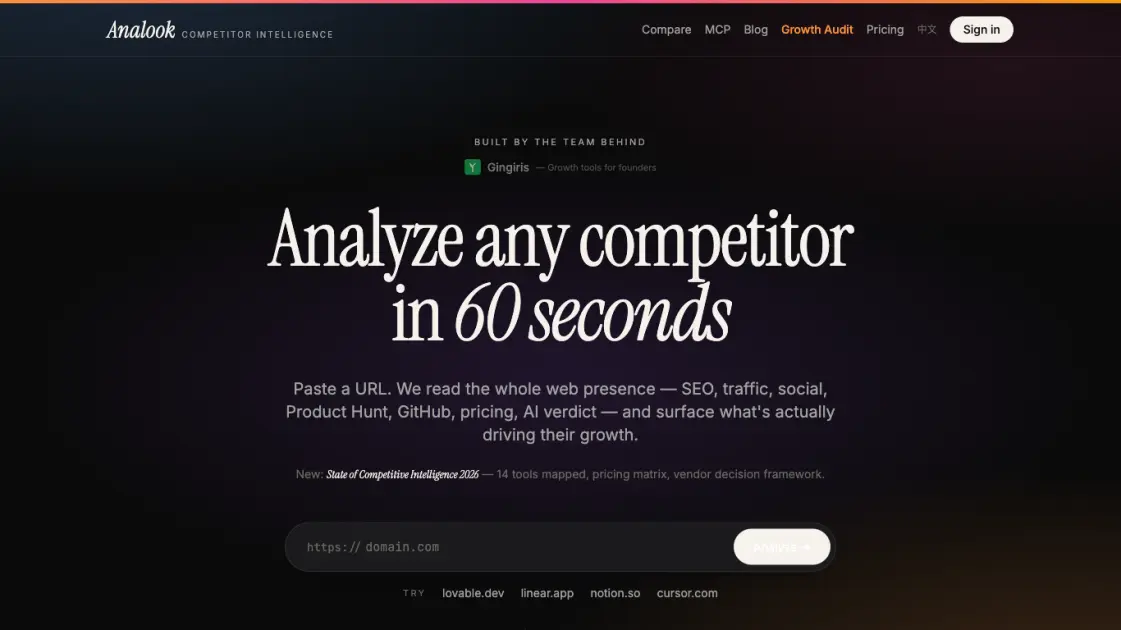
FAQs of Analook
What is Analook and who is it for?
Analook is an AI-powered competitive intelligence tool that analyzes any product's online presence including SEO, traffic, social media, GitHub, Product Hunt, and market positioning. It is designed for indie hackers, startup founders, marketing teams, and investors who need quick and reliable competitor analysis.
How accurate is the data in Analook reports?
Every data point in an Analook report is sourced from real third-party APIs including DataForSEO, Wayback Machine, Twitter, GitHub, Product Hunt, and Google Trends. The platform explicitly states that there are no hallucinations and every number has a verifiable source.
Does Analook offer an API for developers?
Yes, Analook provides a REST API endpoint at /api/v1/analyze that accepts a product URL and returns structured JSON data. It also offers an MCP server that integrates directly with Claude Desktop and Cursor, making it easy for developers to pull competitive intelligence into their workflows.
What is the pricing structure?
Analook offers a free plan with 2 reports per month, a Pro plan at $19 per month for 30 reports with a 7-day free trial, and a Team plan at $79 per month for 100 reports with priority support. There is also a pay-per-report option at $5 for a single full analysis.
How does Analook compare with SimilarWeb or SEMrush?
Analook focuses specifically on competitive analysis for startups and digital products, while tools like SimilarWeb and SEMrush serve broader website analytics and SEO audiences. Analook differentiates through its AI strategic verdict, growth wave detection, and source-backed data approach, and it offers direct integrations with AI coding tools through its MCP server.
How to use Analook
- Visit the Analook website and paste any competitor's URL into the input field. No signup is required for the first two reports.
- Click "Analyze" and wait about 60 seconds while the system scans 15+ data sources in parallel.
- Review the generated report including Strategy Radar score, AI verdict, traffic analysis, and growth wave insights.
- Share the report via a unique link or export it as Markdown for documentation.
- For API access, send a POST request to the REST endpoint with the target URL, or use the MCP server from Claude Desktop or Cursor.
