
AI Gazou FAQs
AI Gazou is a free AI image generation site that creates photos, illustrations, and SNS materials from Japanese prompts. Customize composition and style.

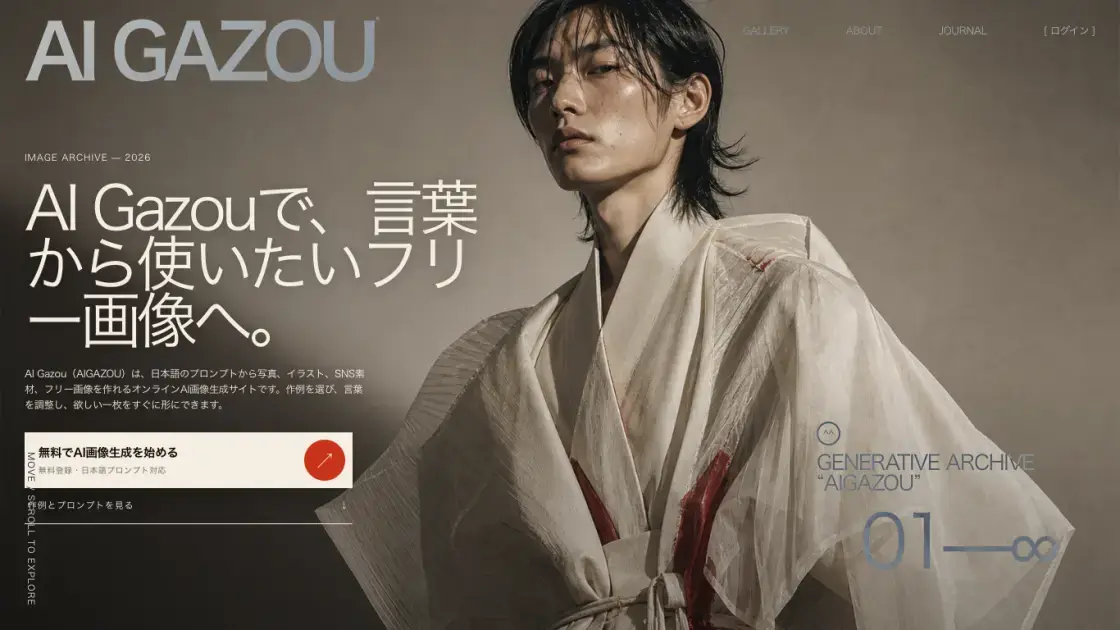
FAQs of AI Gazou
Is AI image generation really free?
Yes, AI Gazou offers free AI image generation with a credit-based system. Users receive free credits upon registration, which can be used to generate images. The platform does not require upfront payment for basic usage.
Can I write prompts only in Japanese?
Absolutely. AI Gazou is designed specifically for Japanese prompts. Users can describe their desired images entirely in Japanese without needing to translate to English.
Can I create free images or commercial materials?
AI Gazou enables users to create free images suitable for various purposes, including commercial materials. However, users should review the platform's terms and model agreements before commercial use.
Does it support image generation using reference images?
Yes, AI Gazou supports both text-to-image generation and reference image-based generation. Users can upload reference images to guide the AI in creating desired compositions, styles, and elements.
Why do results differ between models?
AI Gazou offers multiple AI models (such as Nano Banana and GPT Image), each with distinct training data and generation characteristics. Different models interpret prompts differently, resulting in varied outputs.
Can I save generated images?
Yes, generated images can be saved from the history section. Users can download images to their devices for personal or commercial use.
How to use AI Gazou
- Register for a free account to receive initial credits.
- Navigate to the generation page and enter a Japanese prompt describing your desired image.
- Select an AI model (Nano Banana or GPT Image) and choose aspect ratio and other settings.
- Optionally upload a reference image to guide the generation process.
- Click generate and wait for the AI to process your prompt and create the image.
- Review the generated result and refine your prompt if needed, then generate again.
- Save your favorite images from the history section to download or share.
